
Stutter and frame drops
The game runs at a good average FPS but hitches exactly when a fight starts. Frametime spikes, not the FPS counter, are what you actually feel.
Get better at Fortnite with AI and expert coaching.
Building speed, edit timing, endgame positioning and performance mode tuning — find the one thing holding your placements back.
27
Coaches
1,900+
Sessions
4.8
Avg. rating
50 Credits
From

Every Fortnite ticket we see falls into one of these shapes. The AI works out which before you spend a single Credit.
The game runs at a good average FPS but hitches exactly when a fight starts. Frametime spikes, not the FPS counter, are what you actually feel.
Shots that should land don't register. Jitter and packet loss on your route matter far more than the ping number in the corner.
Performance is fine for ten minutes and then quietly collapses. Dust, fan curves and power limits are the usual culprits.
Your crosshair feels different every session. Sensitivity, polling rate and input latency are measurable — and fixable.
Muscle-memory drills for the five builds that matter, rather than the creative-map routines that don't transfer.
High ground is overrated in most endgames. Zone awareness and materials management decide placement.
Keybinds and deadzones make more difference to building speed than raw practice hours.
Consistent frametimes matter more than peak FPS. We target 1% lows so your aim and movement feel identical in a quiet corridor and a five-player fight.
Monitor mode, polling rate, in-game frame queue and driver latency settings together decide how immediate the game feels. Most setups lose 15–30ms to defaults.
Jitter and packet loss decide hit registration far more often than raw ping. We measure the route and fix what's local to you.
 Performance
Fix low FPS, stuttering, overheating, and performance problems.
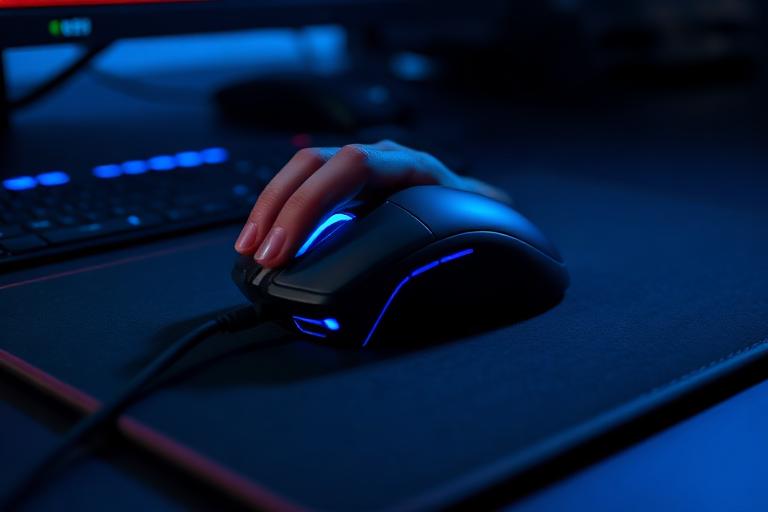 Coaching
Improve aim, mechanics, crosshair placement, and consistency.
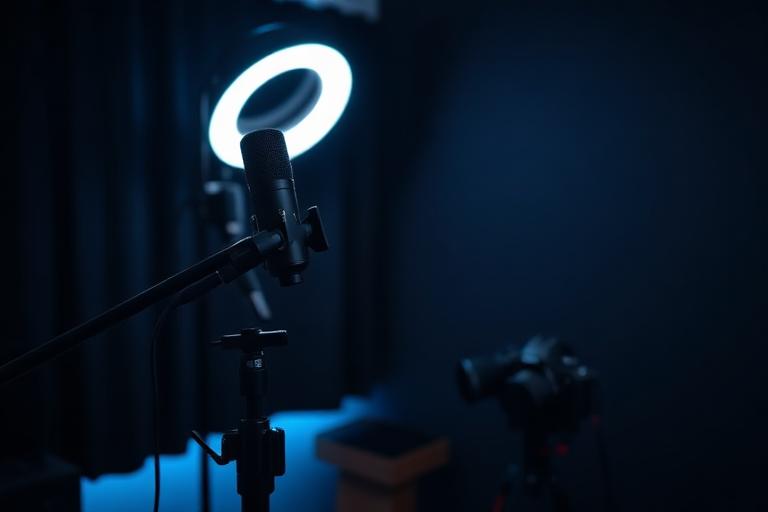 Streaming
Set up OBS, scenes, audio, overlays, and streaming configuration.
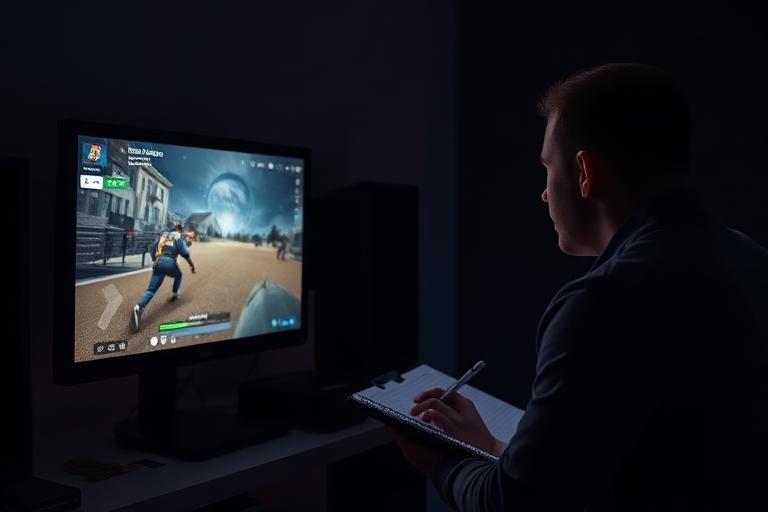 Coaching
Get detailed feedback on your gameplay and identify what is holding you back.
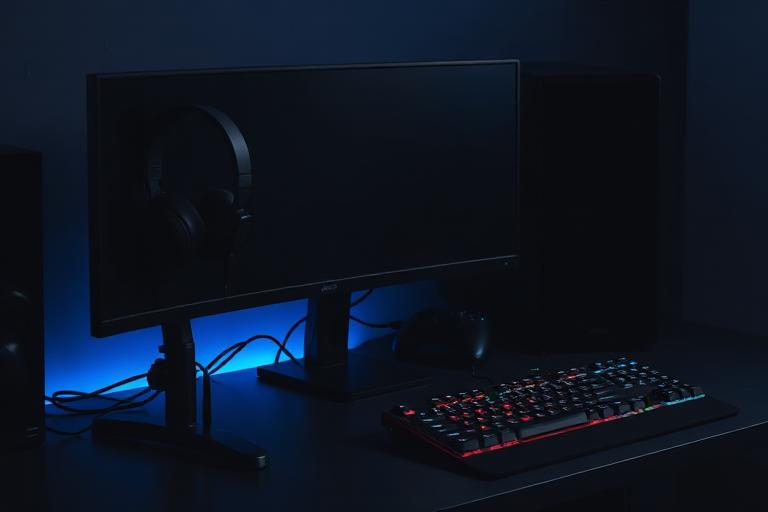 Setup
SetupGet help configuring your peripherals, monitor, audio, and gaming environment.
Yes. Several coaches specialise in controller aim assist mechanics and deadzone tuning.
Usually yes — they're most often a CPU or settings issue rather than a GPU limit.
How the AI works, what it refuses to guess at, how Credits are priced, how professionals are verified and what happens when something goes wrong.
An AI-first gaming platform. You describe a problem or a goal, the assistant works out what's likely going on, and you either fix it with guided steps or book a verified professional. Everything is paid for with prepaid Credits.
You describe the situation in your own words and pick your game. The assistant asks follow-up questions about your hardware, settings and symptoms, then returns a ranked set of likely causes with a confidence score and a recommended next step.
For a large share of technical issues — settings, drivers, background load, network configuration, peripheral setup — yes, with step-by-step guidance. For hardware faults, complex crashes and anything requiring judgement, it recommends a professional instead of guessing.
It says so, explains why, and hands you a shortlist of professionals who handle that exact class of problem. You're never left in a loop with a chatbot.
Yes. Every professional on the marketplace is verified, rated, and lists their games, response time and Credit pricing up front.
A prepaid balance you spend on AI sessions, coaching and services. 1 Credit equals €0.10 and the minimum purchase is 50 Credits. There is no subscription, no trial and no recurring charge.
Aim coaching starts at 100 Credits per session, rank coaching at 125. Technical services start at 50. Every professional shows their rate before you book.
Valorant, Counter-Strike 2, Fortnite, Call of Duty, League of Legends, Dota 2, Minecraft, GTA V, Roblox, Apex Legends and Overwatch 2 at launch, with more added as coach coverage grows.
Yes — all services are remote. Optimization work is done over a guided screen share, and you keep control of your machine throughout.
Yes. Pick a professional, choose a slot from their availability, and confirm with Credits. You'll get a reminder before the session.
Every professional passes identity checks, rank or credential verification, and a reviewed trial session before taking bookings.
If a session doesn't happen or the professional doesn't deliver what was described, the Credits go back to your balance. Disputes are reviewed within 48 hours.
No. Your balance stays available and can be used across any service or professional on the platform.
Yes. Team accounts give organisations shared Credits, player support, and AI triage before an issue reaches a human.
Sessions are remote and consent-based, screen sharing is always initiated by you, and diagnostic data is never sold or shared with third parties.
Everything is remote, consent-based and priced in Credits up front. Send a message and a human reads it.
Most technical issues are identified in a few minutes of guided questions — before any Credits are spent.
Identity checks, rank or credential verification and a reviewed trial session before anyone takes bookings.
Support replies within one business day. Payment and refund disputes are reviewed within 48 hours.
1 Credit = €0.10, minimum purchase 50 Credits. Credits never expire and work across every service.